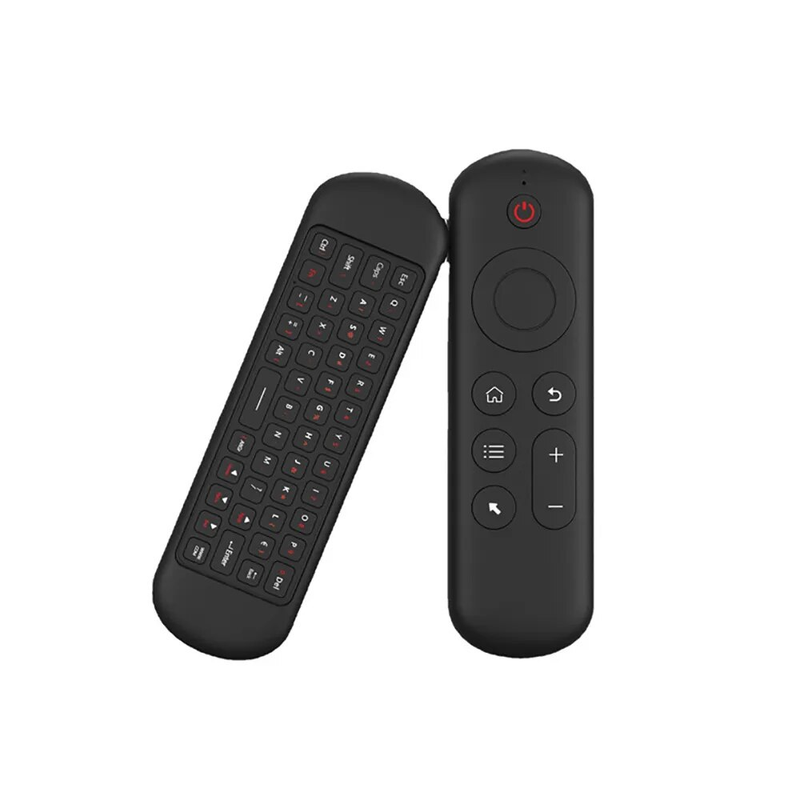
Vista completa
Artículos similares
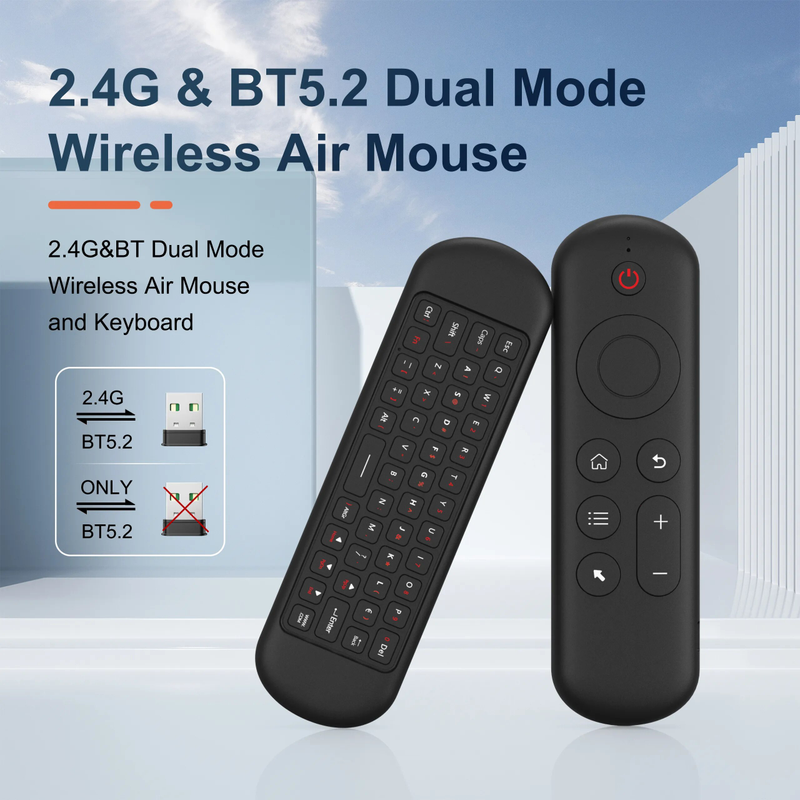
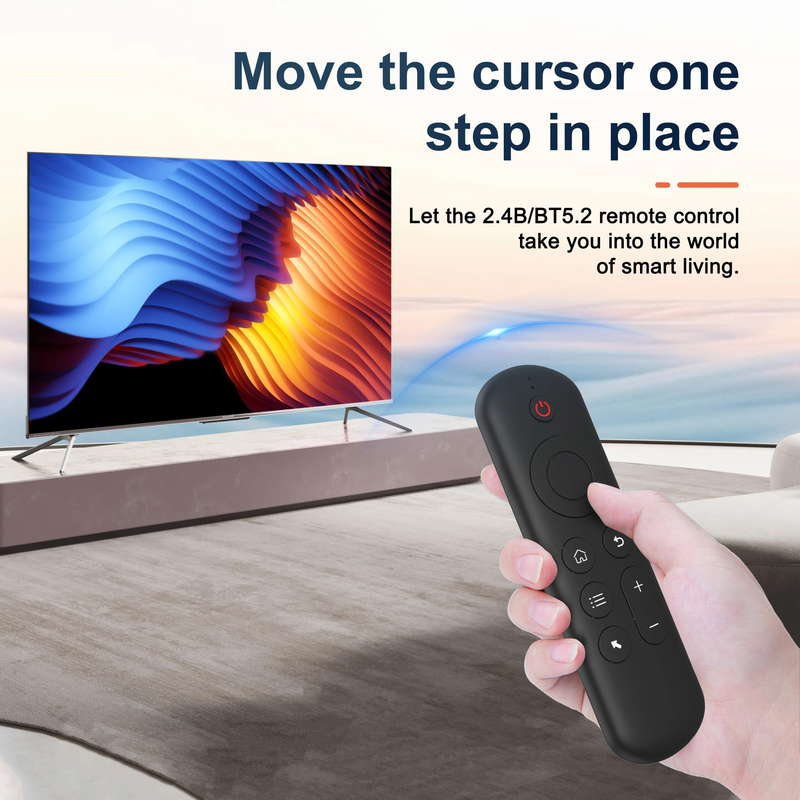
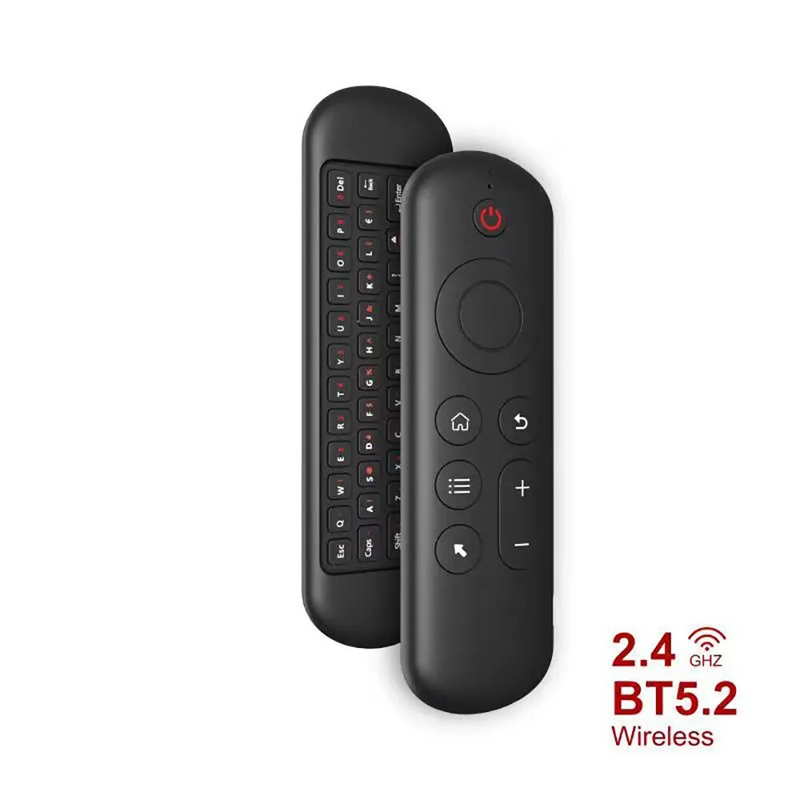
Ratón inalámbrico Air Voice 2 en 1, mini teclado Bluetooth 2.4G, control remoto recargable, aprendizaje IR para Smart TV y Android TV Box.
27,81€40,40€
Color : Teclado M5


Cantidad :

Informe
Incluir infracción de derechos de autorEnvío estándar gratuito. Ver detalles
Estimado entre Fri, Jul 17 y Wed, Jul 22
Puede devolver el producto dentro de los 30 días siguientes a su recepción. Ver detalles
Compre con confianza

Garantía de devolución de dinero
Obtén el artículo que pediste o te devolvemos tu dinero. Más información
Acerca de este artículo
Procedente de Chunhui Yin
El vendedor asume toda la responsabilidad de este listado.Número de artículo: 39295686
Especificaciones de los artículos
Tamaño
Tamaño completo
Tipo de clave
Interruptores mecánicos
Tipo de interruptor
Lineal
Compatibilidad
Ventanas, Android
Dispositivos conectados
1
Teclas iluminadas
No
Conectividad
Bluetooth
Tipo de USB
USB-A
Potencia
sin luz de fondo
Opciones de Logi
No
Descripción del artículo del vendedor
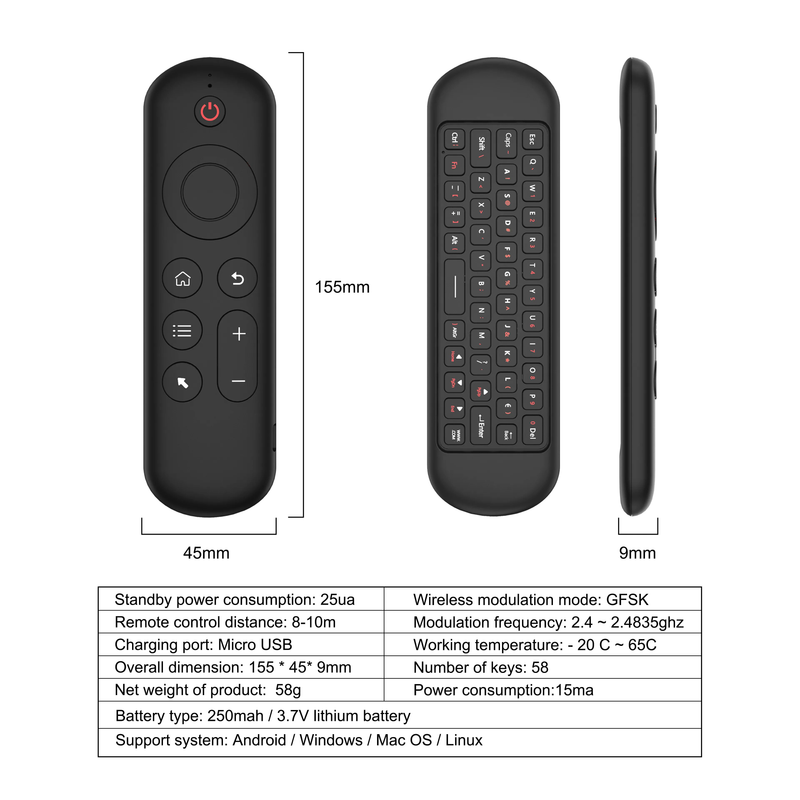
Specification:
Wireless Communication: 2.4G and Bluetooth
Modulation frequency: 2.4-2.4835GHz
Operating temperature: - 20 ℃ - 65 ℃
Battery type: 400mAh/3.7V lithium battery
Number of keys: 58
Remote control distance: > 10m/32.8ft
Charging port: Micro USB
M5 Mini Keyboard:
2 . 4G MODE:
For initial use , plug a USB receiver into the USB port of device and waitfor 20-60 seconds to install driver of USB receiver . Move the mousethe mouse cursor can move on the screen means that pairingis successful
if it is unsuccessful , press and hold [ OK and [ BACK ] buttons , LED light begin to flash . Pairing is successful when LED light stop flashing
BT 5.0 MODE:
1 . Before using this device , first you must turn on the BT function of thelain device
2 . Then long press " OK + Return keys , when the LED turns to flashhe product enters the pre pairing
3 , Click add search new devices on the main device to find this airemotes name ( Example : BT-REMOTE ) . Click the name can to connecting
4 . After the product is successfully connected , the direction of themouse pointer can be controlled by waving in the air
5 .If the connection is not successful , please perform the operationsteps of item 2-4 again
6 . Reconn ent efficiency description : The normal reconnent time of thiproduct is 3-5 seconds after it is normally paired with themain equipment
7 . This product can only remember the pairing information of one maindevice , when the product is connected to a new device , theconnection of historical devices is not supported after
8 . in this case . you need to delete the historical connection informationof this peripheral can be successfully matched for new search
CPIADJUSTMENT
CPI ( Count Per Inch ) . Speed of the Mouse Cursor
Adjustment ( 3 Levels ) , 1 , 2 , 3 Level . The higher the level , the faster the speed . The default speed isset at level 2
1 . Speed Increase
Press OK button + Volume + ] button for about 3seconds , the work indicator flashes quickly and thengoes off , release the button , CPI on the basis of theoriginal increase 1 level
2 . Speed Decrease
Press [ OK ] + olume - for about 3 seconds , thework indicator flashes quickly and then goes off ,release the button , and CPI is reduced by 1 level onthe basis of the original