


6+

Vista completa
Artículos similares
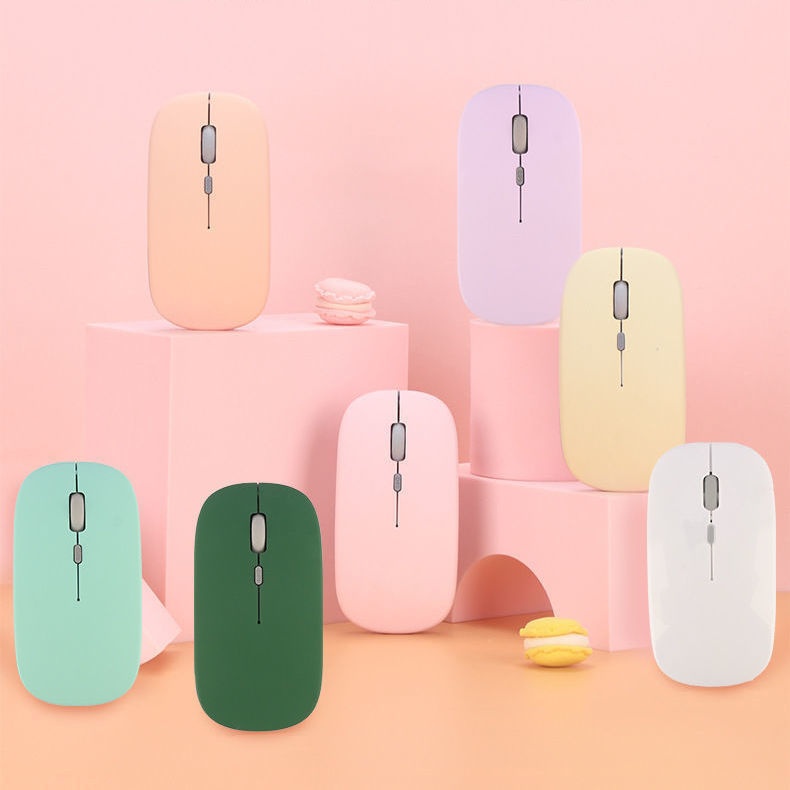
Ratón inalámbrico Bluetooth de modo dual Digitex Digitex compatible con teléfonos móviles, iPads, portátiles y ordenadores de escritorio. Teclado silencioso.
14,20€20,17€
Color : Modelo de batería Bluetooth negra


Cantidad :
 Customer Service
Informe
Incluir infracción de derechos de autorEnvío estándar gratuito. Ver detalles
Estimado entre Tue, May 12 y Tue, May 19
Puede devolver el producto dentro de los 30 días siguientes a su recepción. Ver detalles
Compre con confianza

Garantía de devolución de dinero
Obtén el artículo que pediste o te devolvemos tu dinero. Más información
Acerca de este artículo
Procedente de Digitex
El vendedor asume toda la responsabilidad de este listado.Número de artículo: 32956852
Especificaciones de los artículos
Características
Luz mixta, luz única, mate
Eje
Eje óptico, eje verde, eje del té
Teclado numérico
No si
Conexión
Bluetooth
Tamaño
100 mm-120 mm, 121 mm-130 mm, <100 mm
Descripción del artículo del vendedor
If the phone cannot find Bluetooth because it does not support 5.0, the solution is to press and hold the DPI green light until it changes from fast flashing to slow flashing after powering on, then switch directly back to 3.0
1. The battery-powered Bluetooth mouse does not include a receiver and is shipped without batteries: it supports smart Bluetooth phones and tablets of any model or brand, with an iPad system requirement of IOS13 or higher. Only compatible with Windows systems running Windows 10 or above for Bluetooth use, or purchase dual-mode for universal compatibility!
2. Rechargeable Dual-Mode Bluetooth Mouse with Receiver, Rechargeable Bluetooth Connection, Also USB Wireless Connection! Compatible with Any Mobile Phone, Tablet, Desktop Computer!
Rechargeable version: Remove the receiver, plug it into the computer USB port, approach the receiver and turn on the switch at the bottom of the mouse. Wait a few seconds; the bottom light flashes, indicating successful connection.If there are any issues, please try reconnecting the receiver and turning the mouse on and off until the connection is successful
Bluetooth Version: Turn the switch on the bottom of the mouse to the Bluetooth position. At this time, the mouse light will flash in a waiting state for connection. Turn on the Bluetooth function of your device and search for 'BT5.2 MOUSE' or 'BT 3.0 MOUSE'. Choose either one to connect. If you encounter any issues, you can press and hold the DPI button for 5 seconds until the mouse light changes to a flashing waiting state for connection, then search for connection again


 4.4 de 5 basado en 9,249 opiniones