


7+


Vista completa
Artículos similares
Accesorios para mandos inalámbricos de Switch Joy-Con Hall, modelo privado, más vendidos, para la izquierda y la derecha de la NS.
46,67€66,24€
Color del producto : YS14-Animal Crossing con


Cantidad :
 Customer Service
Informe
Incluir infracción de derechos de autorEnvío estándar gratuito. Ver detalles
Estimado entre Sun, Apr 19 y Sun, Apr 26
Puede devolver el producto dentro de los 30 días siguientes a su recepción. Ver detalles
Compre con confianza

Garantía de devolución de dinero
Obtén el artículo que pediste o te devolvemos tu dinero. Más información
Acerca de este artículo
Procedente de technology
El vendedor asume toda la responsabilidad de este listado.Número de artículo: 35789192
Especificaciones de los artículos
Conexión
Inalámbrica
marca compatible
Sega, Nintendo, Atari
Descripción del artículo del vendedor
Direct manufacturer, 15 years of focus on digital accessories products, exclusively for cross-border platforms, private molds do not infringe copyright.Accepting OEM/ODM orders, offering high-quality products, welcome friends from all sectors to visit, provide guidance and negotiate business.Large quantities at great prices! Contact customer service! English detail pages available.
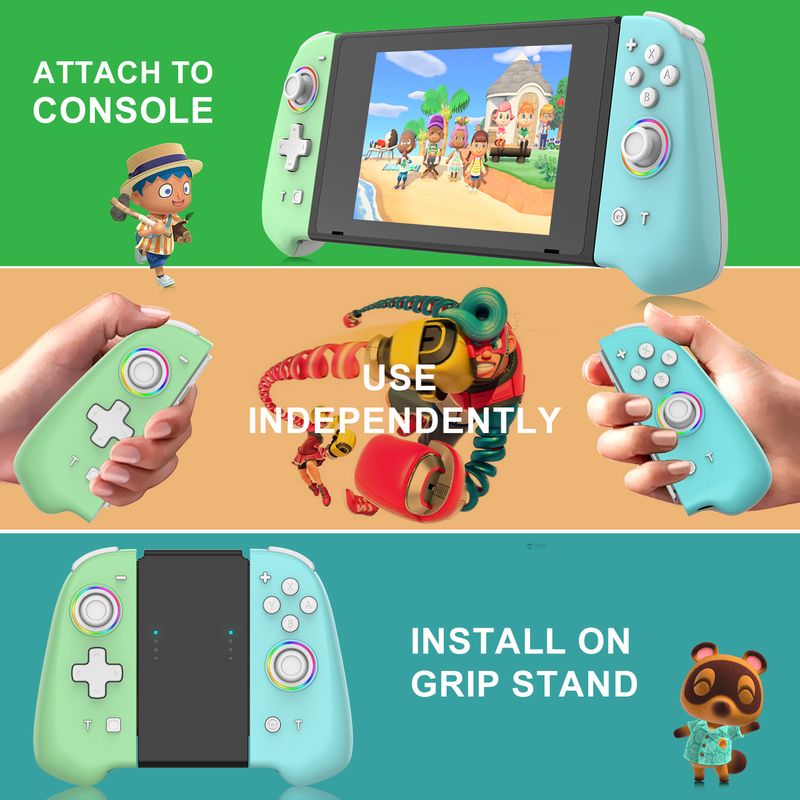
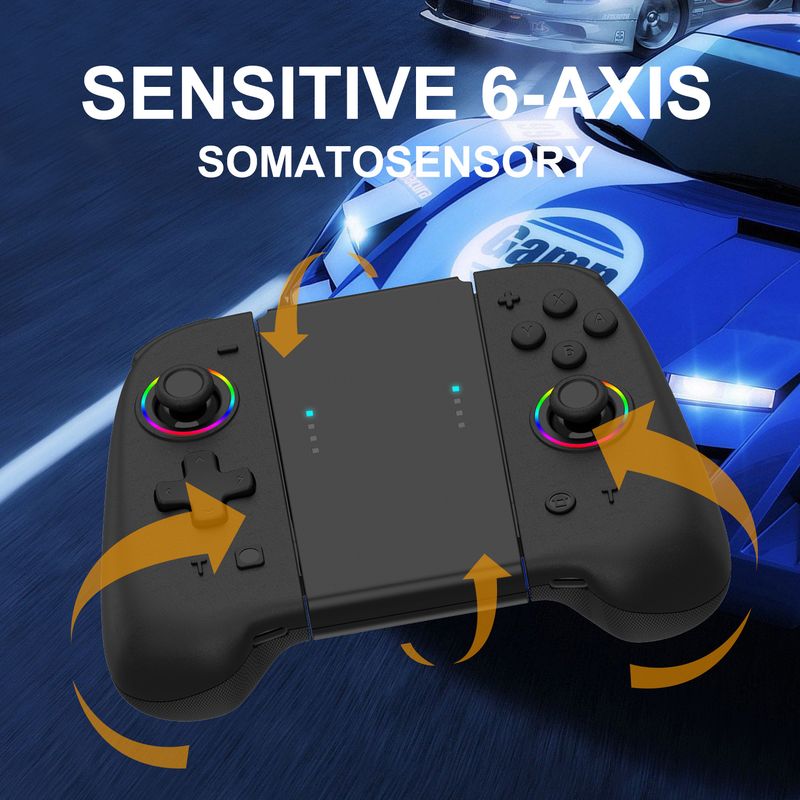
Product name: SWITCH Left and Right Joycon Controllers with Wake-Up Function
Switching on and off:
Plug the slide rail into the host and turn it on. When the slide rail is removed, it automatically re-connects via Bluetooth. When the host is turned off, press the Pair button for 3 seconds to pair. Short press the Home/Capture button to reconnect
Operation method and LED indication:
Wireless mode:
1. The slide rail can be used once plugged into the host, and automatically connects back to the host via Bluetooth when the slide rail is removed
2. In the off state, press the Pair button for 3 seconds to pair. Short press the Home/Capture button to reconnect
3. Other aspects are consistent with the original handle
How to use the TTURBO button
1. Pressing the Turbo+a button enables the A rapid-fire function. There is no need to hold down the a button; it will automatically fire continuously and vibrate to confirm successful setting.Second, to enable Turbo+A double-click, you need to press and hold the A button to activate the continuous vibration notification for successful setup. Third, press and hold the Turbo button for 5 seconds to cancel the continuous function, or press the Turbo+A button to cancel the continuous function and the vibration notification.
2. T-key gear adjustment function, 5 shots/s, 12 shots/s, 20 shots/s
#1T+- Reduces TURBO speed
#2T++ increases TURBO speed
Motor adjustment:
The function is divided into 5 levels: 100%, 75%, 50%, 30%, Off.Default is 50%
#1 T+ joystick increases motor dynamism
#2 T+ rocker reduces motor vibration
#3. The adjustment was successful, the motor vibrates for 0.5 seconds
Charging:
When the device is turned off, the 4 charging LEDs flash slowly. When fully charged, the 4th LED stays on continuously
Standard set includes: left and right joy-con controllers + data cable + manual + color box






Vídeos
Vídeos de este producto


 4.4 de 5 basado en 9,249 opiniones