
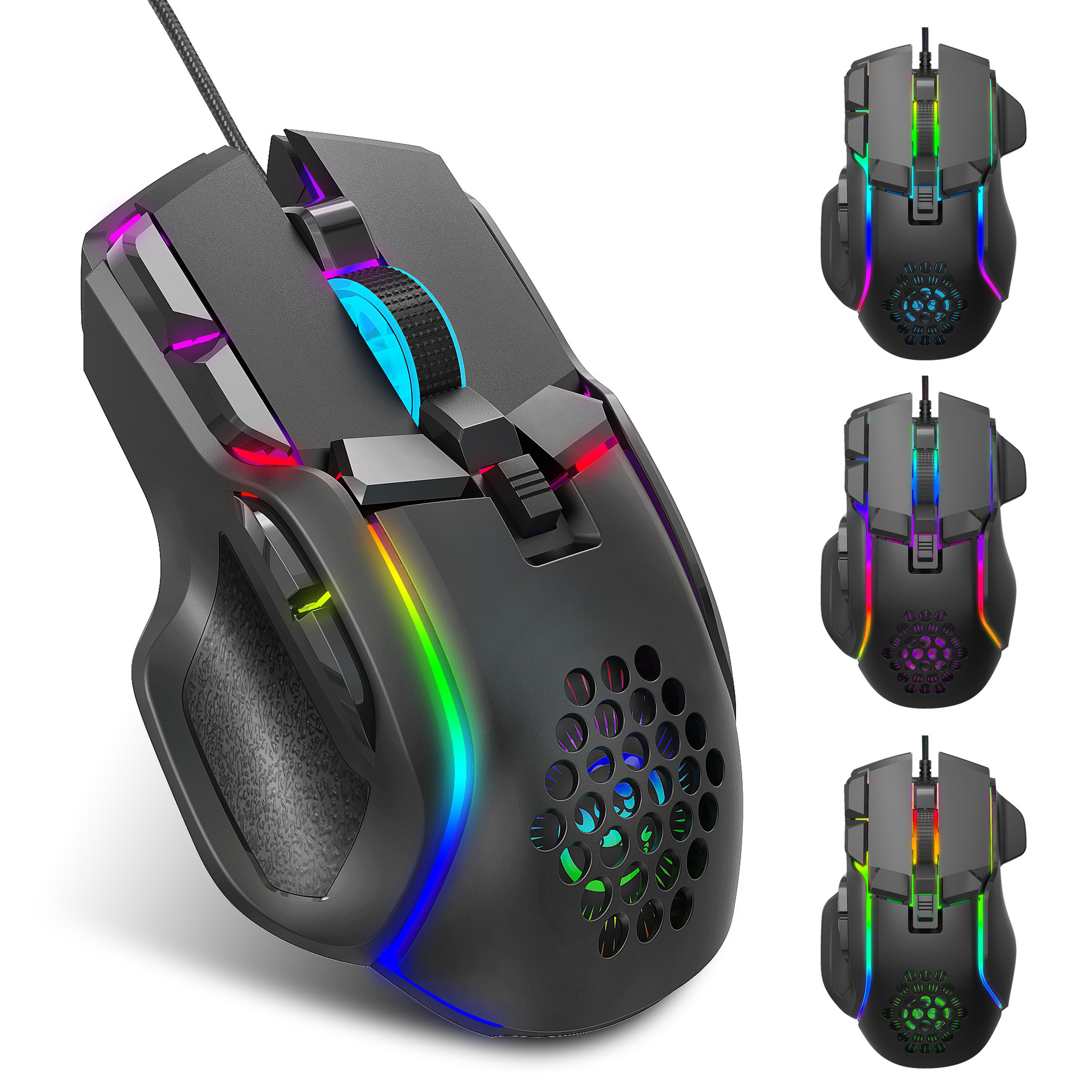

Vista completa
Artículos similares
Ratón mecánico ajustable fresco de la iluminación 12800DPI del RGB de la programación macro de los nuevos deportes del juego
38,88€50,30€
color : Ratón S700 RGB
Cantidad :
 Customer Service
Informe
Incluir infracción de derechos de autorEnvío estándar gratuito. Ver detalles
Estimado entre Tue, Apr 14 y Tue, Apr 21
Puede devolver el producto dentro de los 30 días siguientes a su recepción. Ver detalles
Compre con confianza

Garantía de devolución de dinero
Obtén el artículo que pediste o te devolvemos tu dinero. Más información
Acerca de este artículo
Procedente de Xinyue Digital 3C
El vendedor asume toda la responsabilidad de este listado.Número de artículo: 20639179
Especificaciones de los artículos
Características
RGB, Mate, Otro
Eje
Otro, Eje rojo, Eje óptico
Teclado numérico
No si
Conexión
Cableado
Tamaño
<100 mm, 100 mm-120 mm, >130 mm
Descripción del artículo del vendedor
S700 packing information:
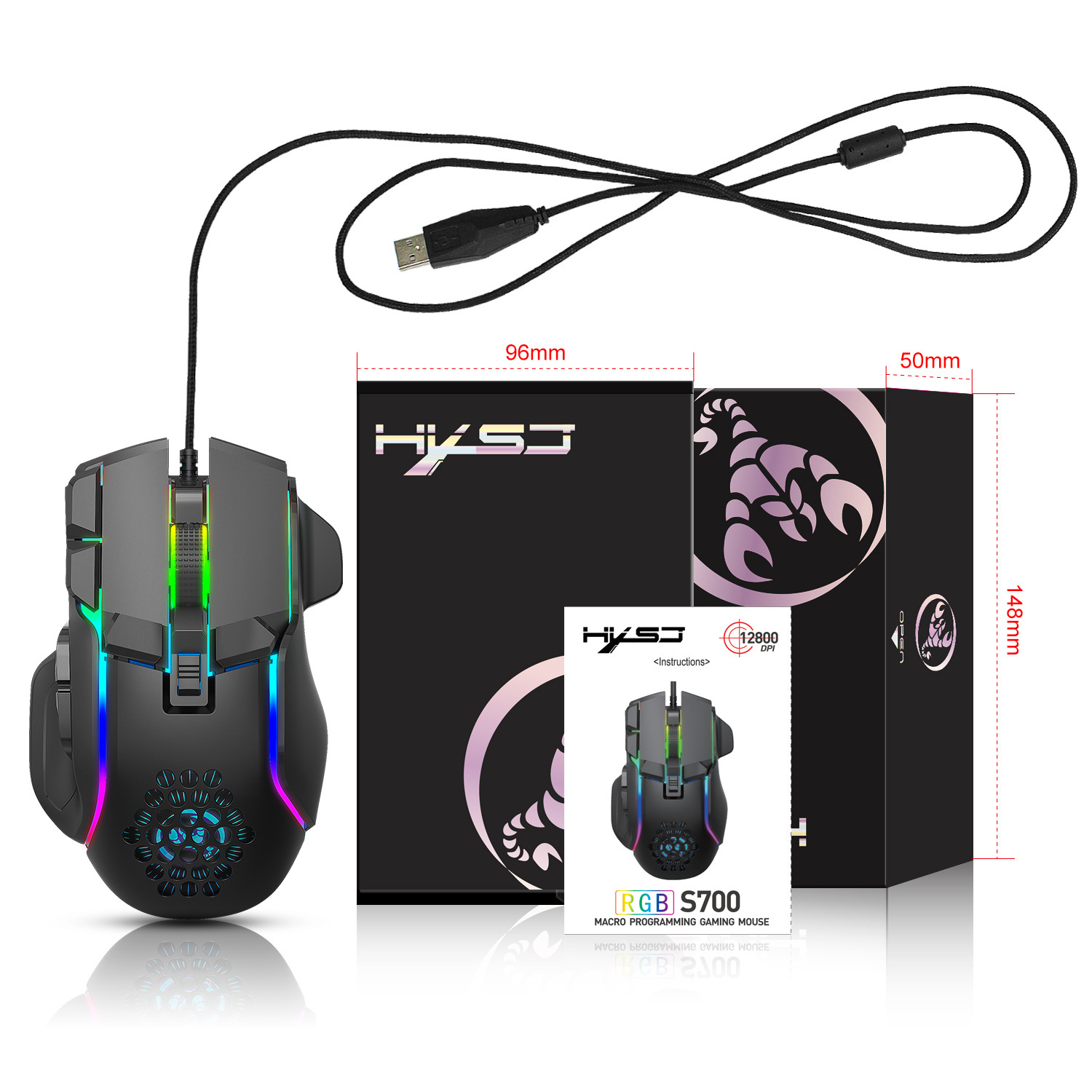
Product size: 12.9x8.2x4.2cm
Product weight: 142g
Packaging size: 14.8x9.6x5cm
Packaging weight: 194g
Outer box size: 53 * 53 * 32.5
Packing quantity: 100pcs
Weight: 20.4Kg
Specifications:
1. Product model: S700 PROJECT GAMING MOUSE
2.100% new mouse game
3. High end brand mechanical ro definition gaming mouse
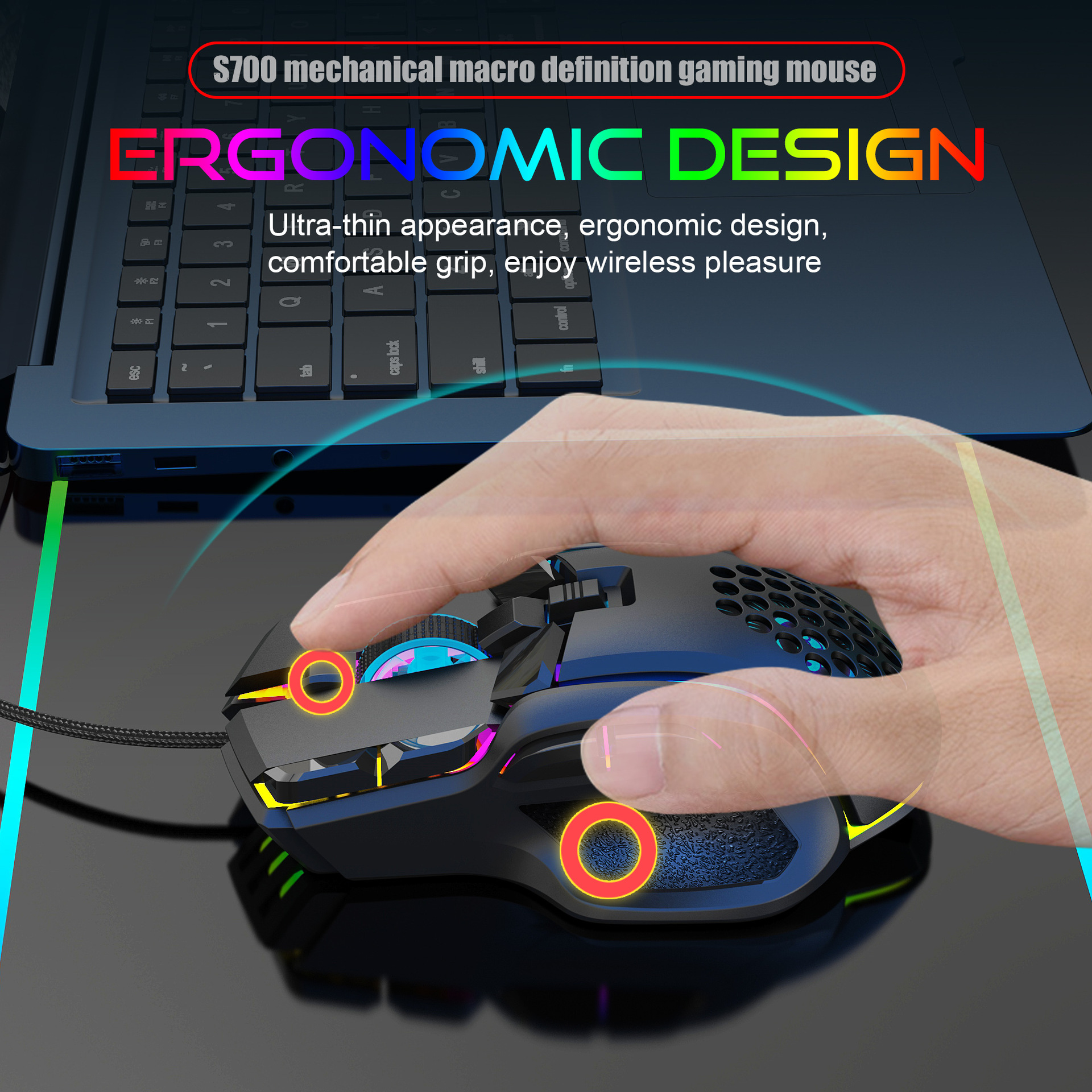
4. Human body engineering design
5-10 programmable keys
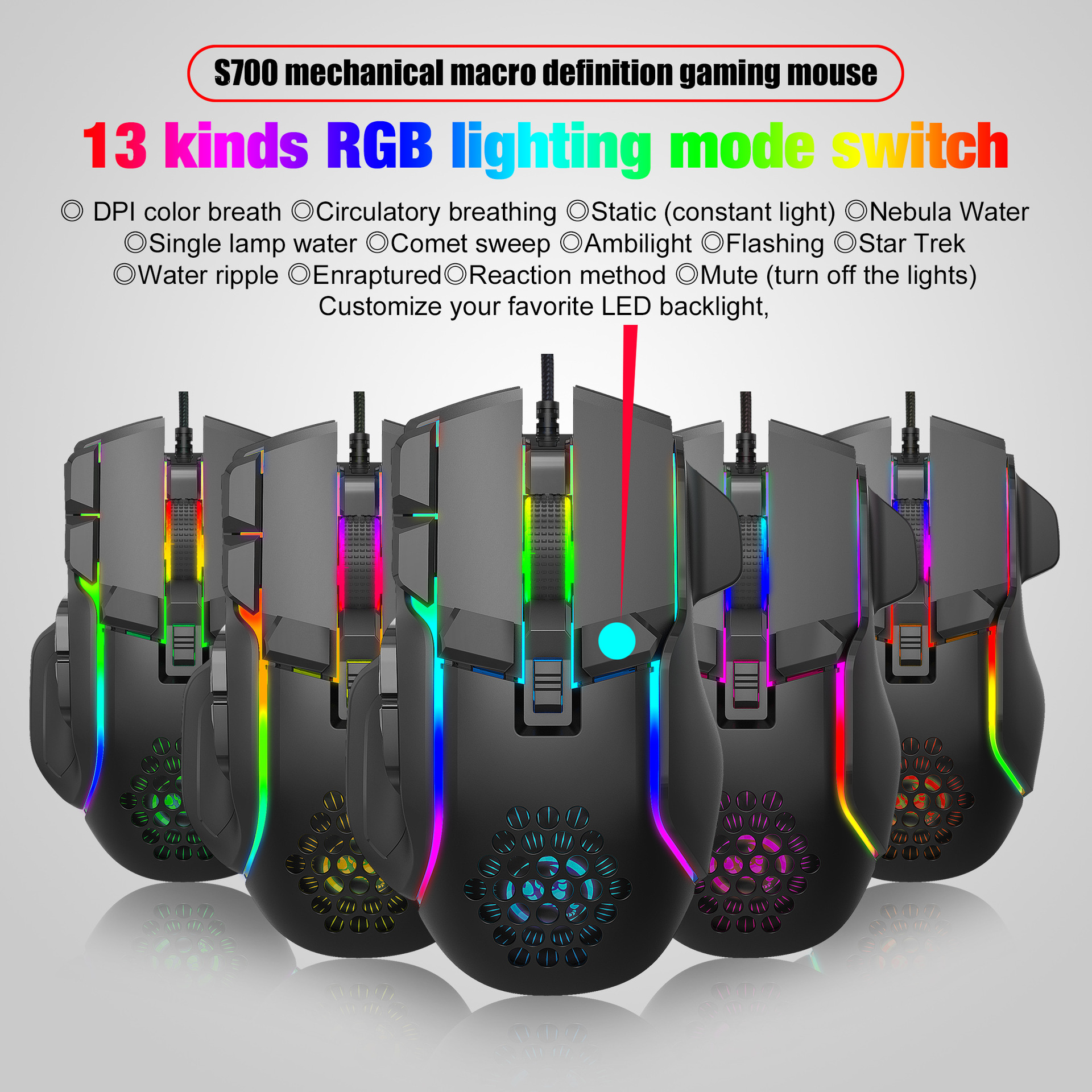
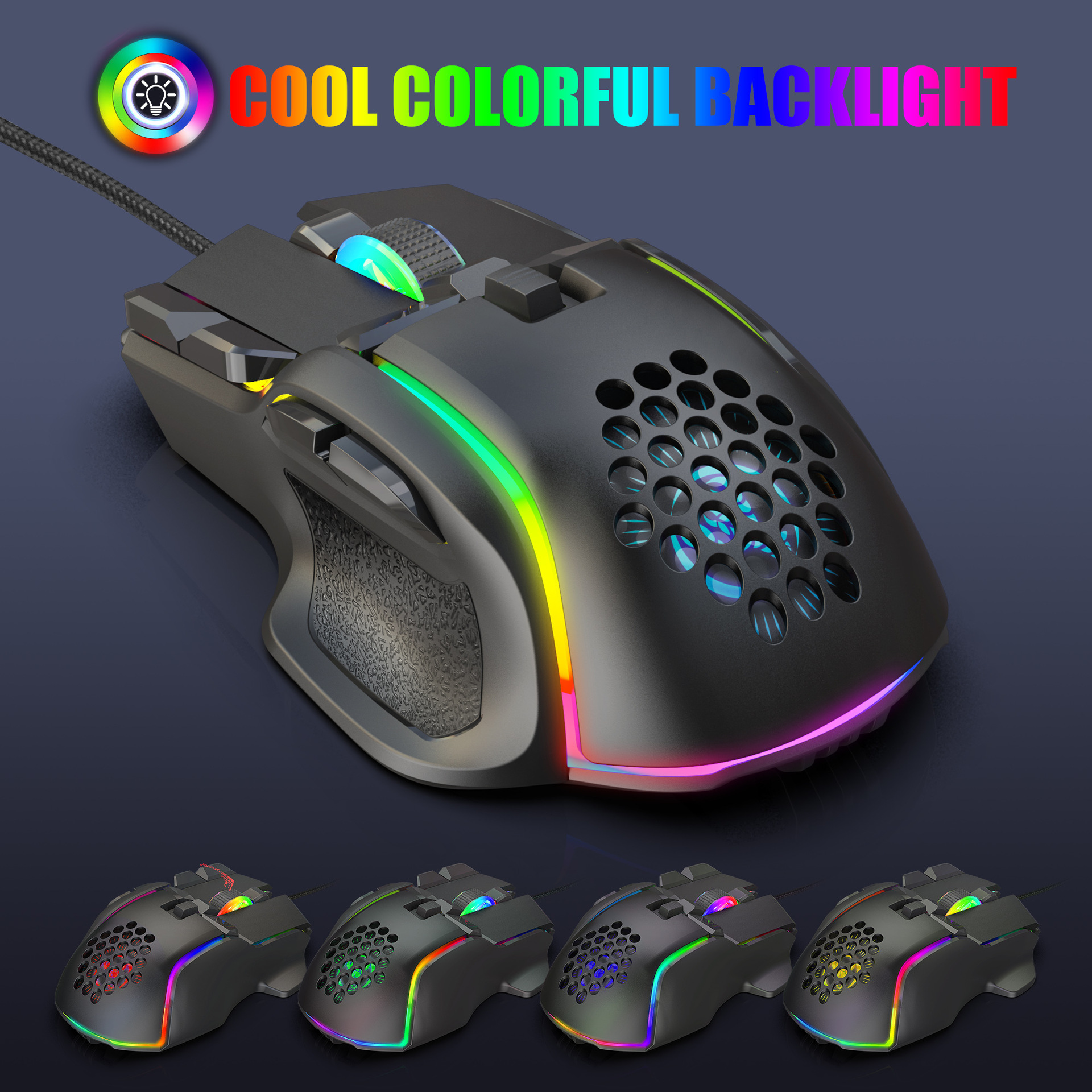
6. Light effect: 13 types RGB lighting mode switch
7-6-level adjustable DPI, Max.12800 DPI
8. Voltage rating I electric current: DC 5V/180mA
9. Return rate: 120/250/500/1000Hz
10. Moving speed: 60 inches/s
11. Refresh rate: 7000FPS
12. Acceleration: 20G
13. USB plug and play
14. Switch life: 20million cycle
15. Cable length: 1.75m
16. Product Size: 129x82x42 mm ± 2mm (L * W * H)
17. Product weight: 142g
18. Packing size: 14.8x9.6x5cm
19. Package weight: 194g
20. Support Windows 2000/XP 1 Win7/Win8/Win10 Vista
32bit IOS or latest
Packing list:
1 X gaming mouse
1 X User manual
How to use:
1. Download the ro programming software through the website
Provided by the seller
2. After downloading, option
N it directly and use the buttons to customize
Programming
3. When the mouse is successfully connected and used normally,
Open the S700 ro programming software directly to use the
Ro programming function
4. Adop A826 IC professional game chip, using high performance
Program control decoder chip for smooth motion and precision control
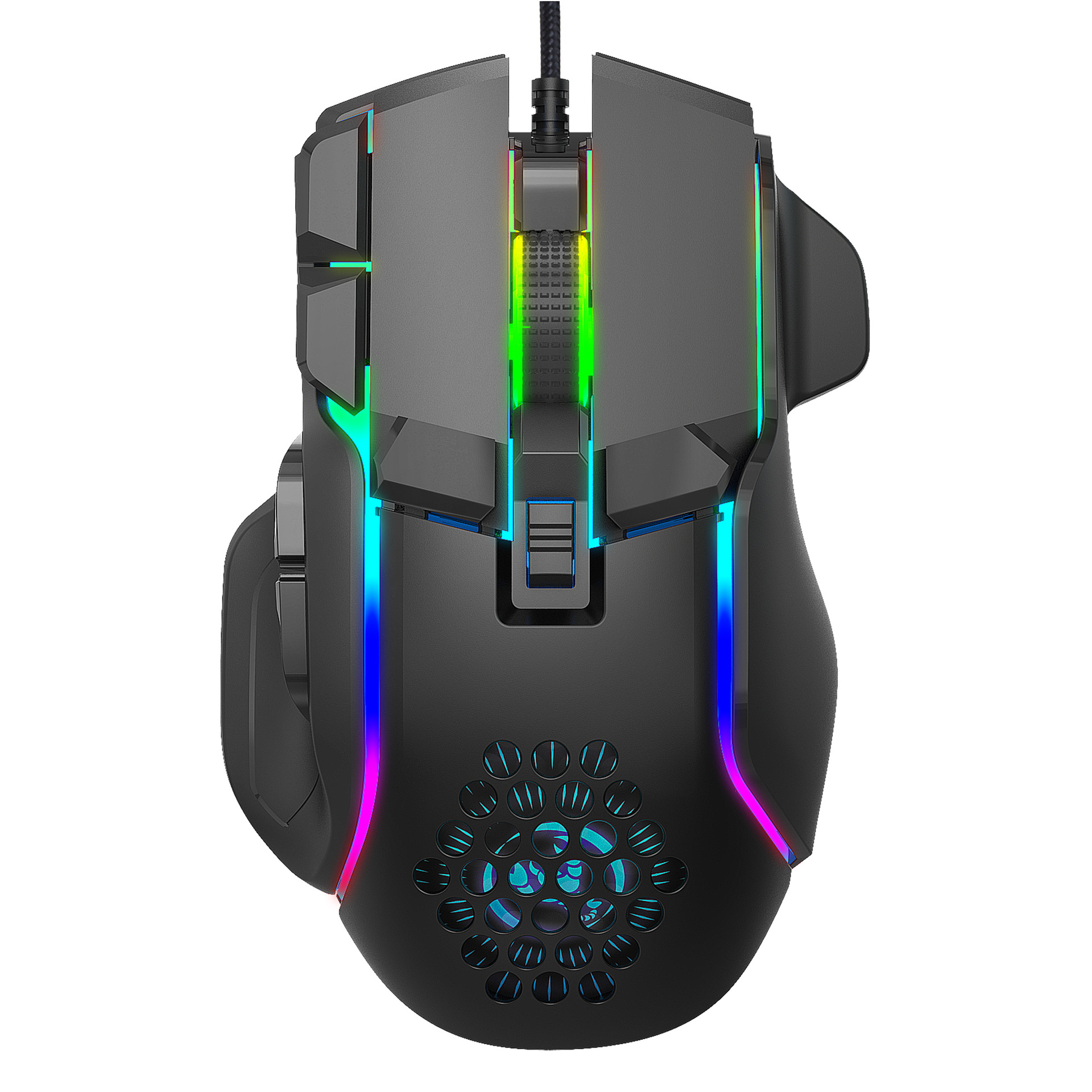
5. Button settings for the 1-10 buttons (as shown), the drive supports
Custom settings
6. DPI setting: default 1200/1600/2400/6400/7200/12800 the
Six segment DPI value can be any section
7. Light mode: 13 types RGB lighting mode switch
8. Mouse parameters: You can set the pointer precision, wheel speed
And double click speed
9. Custom Settings: Custom ro editing that supports game
Effects
10. When the settings are complete, click Applications and then click
Save Configuration You should start the driver against the next time
You use it so that you can use all customization features
Vídeos
Vídeos de este producto

 4.4 de 5 basado en 9,249 opiniones