


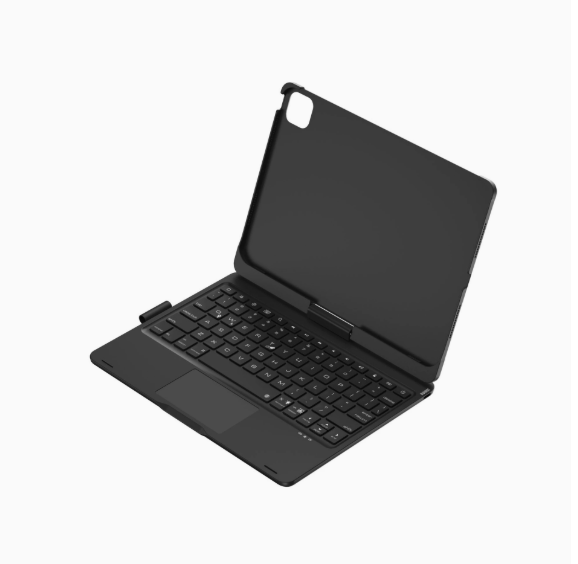

Vista completa
Artículos similares
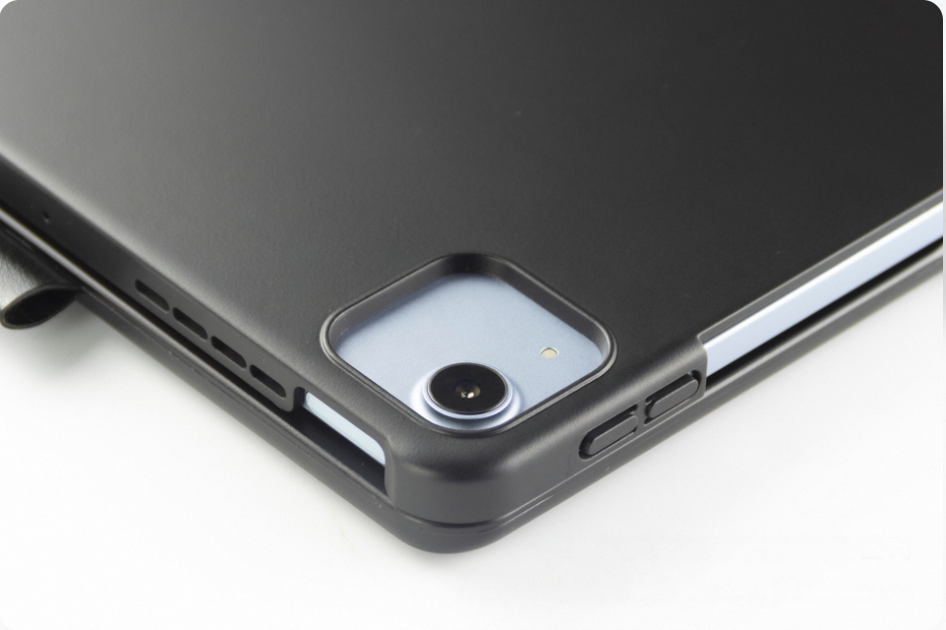
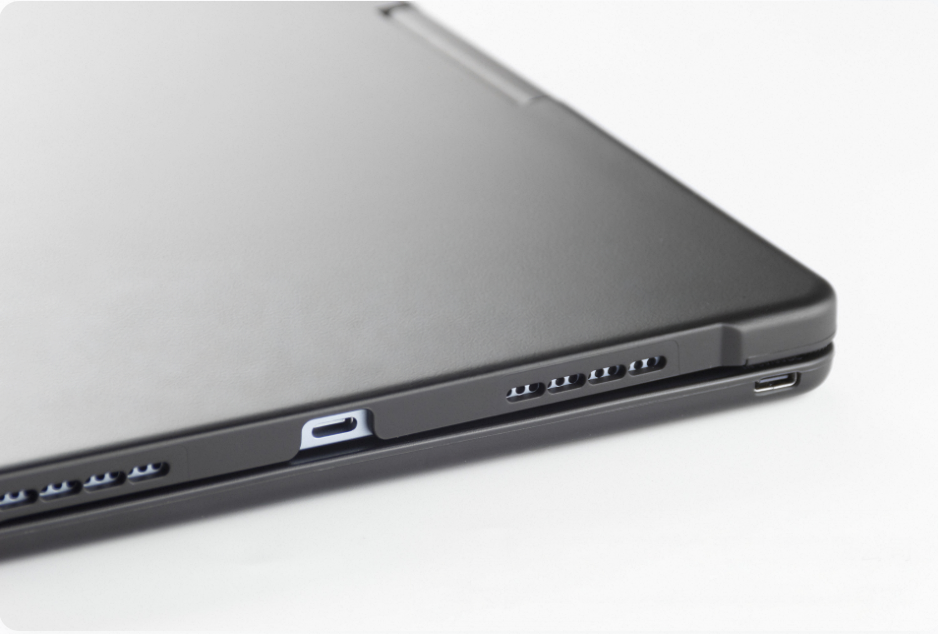
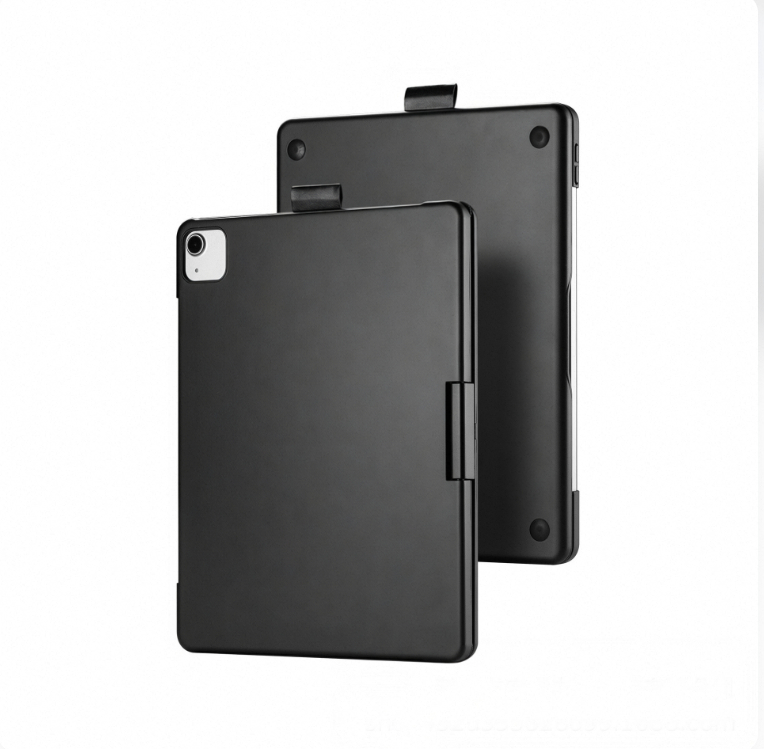
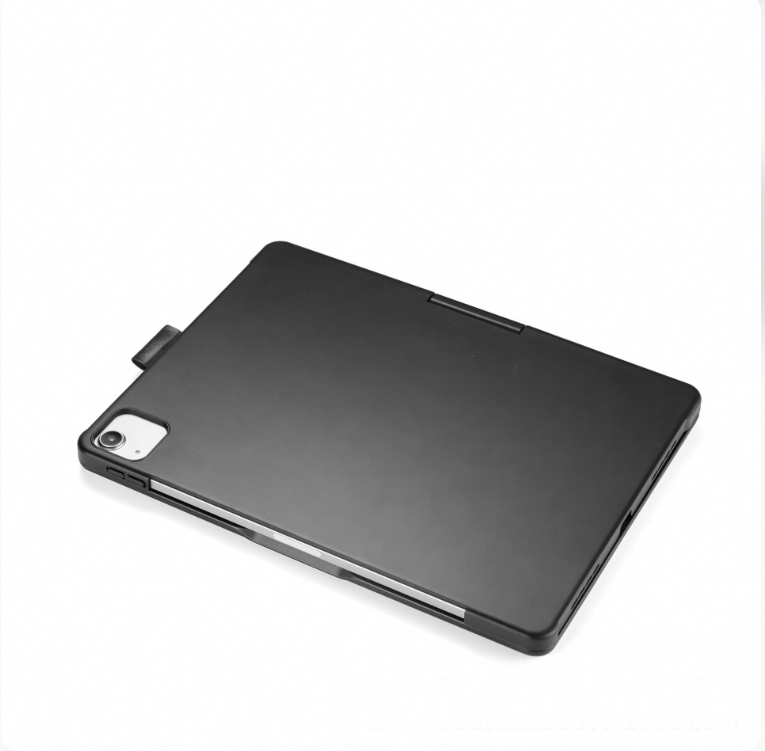
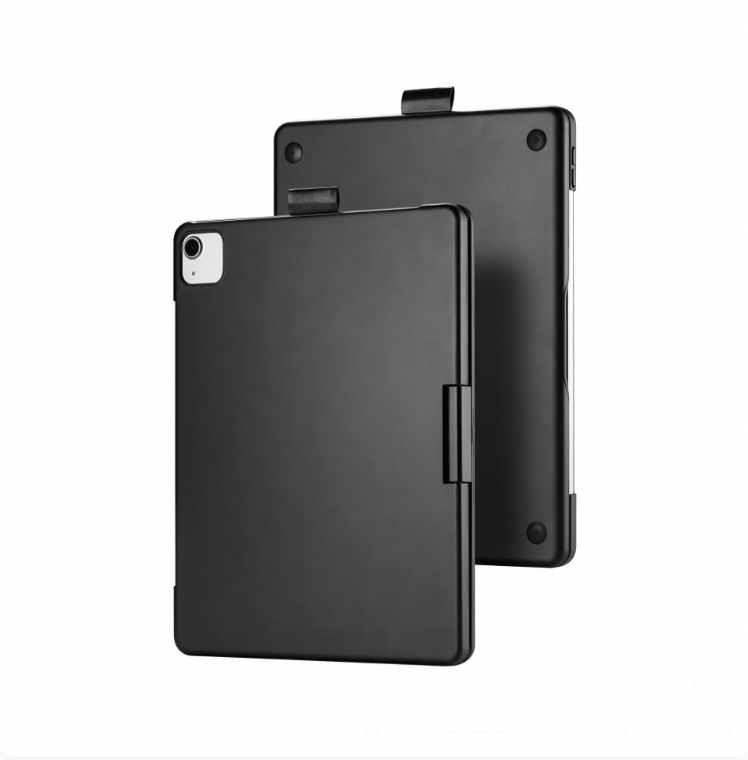
Funda protectora giratoria adecuada para iPad Air de 13 pulgadas y teclado Magic Keyboard Mini7 retroiluminado para iPad de 11.ª generación.
69,25€97,74€
Color : 1) iPad de 11.ª generación A


Cantidad :

Informe
Incluir infracción de derechos de autorEnvío estándar gratuito. Ver detalles
Estimado entre Sun, Jul 19 y Fri, Jul 24
Puede devolver el producto dentro de los 30 días siguientes a su recepción. Ver detalles
Compre con confianza

Garantía de devolución de dinero
Obtén el artículo que pediste o te devolvemos tu dinero. Más información
Acerca de este artículo
Procedente de NeoGadget
El vendedor asume toda la responsabilidad de este listado.Número de artículo: 39456566
Especificaciones de los artículos
Condición
Nuevo
Descripción del artículo del vendedor
Product Specifications
1. Operating distance: 10m
2. Modulation system: GFSK
3. Operating Voltage: 3.3~4.2V
4. Charging current: 250mA
5. Standby time: 60 days
6. Continuous working time
5 hours (backlight on)/300 hours (backlight off/touch off)
7. Lithium battery capacity: 500mAh
8. Charging time: 3 hours
9. Keyboard lifespan: 5million times 10. Operating temperature: -20~50℃11. Charging temperature: 0~45℃
Packing Information
A: iPad 10.9/ 11inch
1. Single item weight including packaging: 866g
2. Packaging dimensions: 28.5X20.7X2.8cm
3. Box dimensions: 61.5X29.5X22cm 20 pieces per box
4. Gross weight: 19.12kg
B: iPad 7/8/9 generation 10.2inch
1. Single item weight including packaging: 817g
2. Packaging dimensions: 28.5X20.7X2.8cm
3. Box dimensions: 61.5X29.5X22cm 20 pieces per box
4. Gross weight: 19.12kg
C: iPad 13inch
1. Single item weight including packaging: 1445g
2. Packaging dimensions: 32X25.5X3cm
3. Box dimensions: 49.4X33.5X27.2 15 pieces per box
4. Gross weight: 12.7kg
D: iPad mini6/7 8.3inch
1. Single item weight including packaging: 568g
2. Packaging dimensions: 23.7X17.7X2.8cm
3. Box dimensions: 53X26X34 30 pieces/box
4. Gross weight: 18kg
[Bluetooth Connection Steps]
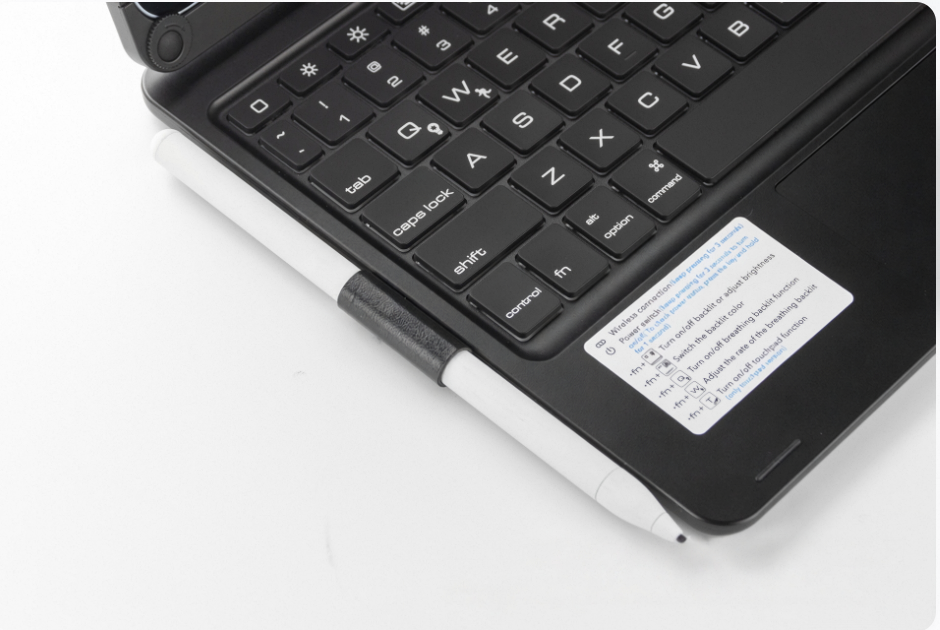
1.Press and hold the power button to turn on the power switch, then press the Fn and C keys to search for Bluetooth (Note: Do not plug in the charging cable when searching for Bluetooth, as it is difficult to connect to Bluetooth while charging)
2.Open the tablet, go to Settings, turn on Bluetooth and add devices, then click on the Add Device tab.Search for nearby devices - [Search for Bluetooth keyboards with a keyboard icon] and click connect.
3.The tablet screen displays a message [Bluetooth pairing request, click on Bluetooth keyboard], you can complete the Bluetooth connection


Vídeos
Vídeos de este producto
